

A business website does not need to be complicated to look professional.
It does not need expensive animations, a trendy framework, or the most advanced tech stack.
But it does need to feel complete, trustworthy, and easy to understand.
Small missing details can make a website feel unfinished, even when the design looks good. These details affect trust, SEO, user experience, and conversion.
Most visitors may not know what a favicon, sitemap, or robots.txt file is.
But they can feel when a website looks neglected.
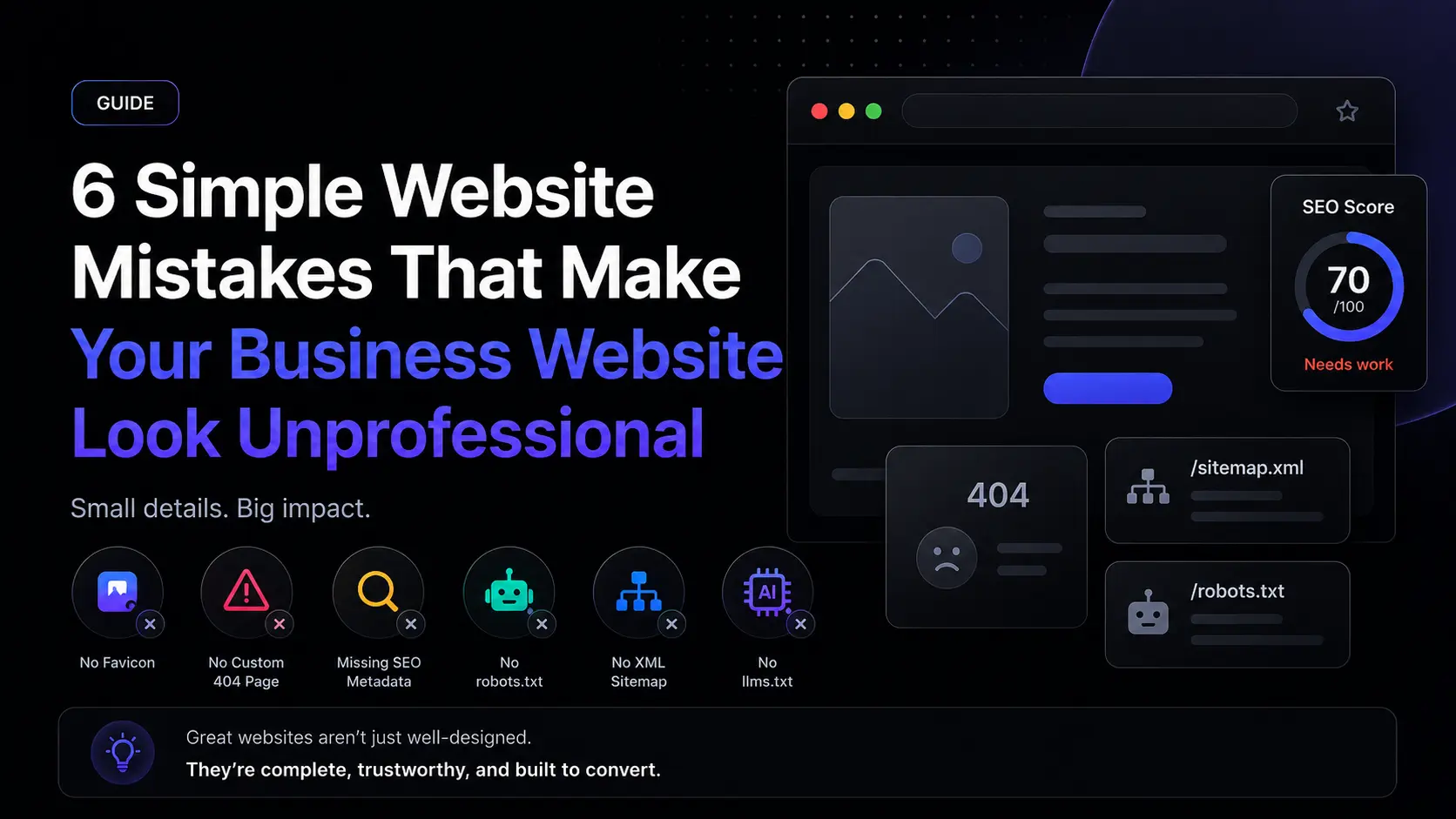
Here are six simple mistakes that can quickly make a business website look less professional.
✨ Quick Overview
Before we go deeper, here are the six mistakes:
✅ No favicon
✅ No custom 404 page
✅ Missing SEO metadata
✅ No robots.txt file
✅ No XML sitemap
✅ No llms.txt file
These are small details, but together they make a big difference.
A professional website is not only about beautiful UI.
It is also about making every part of the experience feel intentional.
1. 🧩 No Favicon
A favicon is the small icon that appears in the browser tab, bookmarks, and sometimes search results.
It may look small, but it creates a strong first impression.
When a website does not have a favicon, the browser may show a default blank icon. This makes the website feel unfinished and less trustworthy.
Why it matters
• It makes your brand easier to recognize
• It helps users identify your website in browser tabs
• It makes your website feel more polished
• It adds a small but important trust signal
How to fix it
Use a simple favicon based on your logo, brand initial, or icon mark.
Keep it clean.
Keep it recognizable.
Make sure it still looks clear at a small size.
📌 Simple rule:
A favicon does not need to be fancy. It only needs to make your website feel complete.
2. 🧭 No Custom 404 Page
A 404 page appears when someone opens a page that does not exist.
This can happen because of:
• A broken link
• A deleted page
• A mistyped URL
• An old page shared somewhere online
The mistake is leaving users with a generic error page.
A default 404 page feels cold, confusing, and unfinished.
A good 404 page should include
• A clear message
• A button back to the homepage
• Links to important pages
• A search option
• Friendly copy that matches your brand
Example message
“Oops, this page is not available. Let’s get you back to the right place.”
📌 Simple rule:
A broken link should not become a broken user journey.
Your 404 page should help users recover, not make them leave.
3. 🔎 Missing SEO Metadata
SEO metadata helps search engines and social platforms understand your page.
Without metadata, your website may still work, but it may look weak in Google search results or social media previews.
Important metadata includes
• SEO title
• Meta description
• Open Graph title
• Open Graph description
• Social preview image
• Canonical URL
Why it matters
• Your search result looks more professional
• Your shared links look better on social media
• People understand the page before clicking
• Search engines get clearer page context
Your website preview is part of your marketing.
A good SEO title should be clear, specific, and focused on what people are searching for.
A good meta description should explain the value of the page in one short and helpful paragraph.
📌 Simple rule:
Do not write metadata only for search engines.
Write it for real people who are deciding whether to click.
4. 🤖 No robots.txt File
A robots.txt file gives search engine crawlers basic instructions about your website.
It usually lives here:
/robots.txt
For many business websites, this file can be simple. But not having one at all can make your technical SEO feel incomplete.
A robots.txt file can help you
• Guide search engine crawlers
• Prevent crawling of low-value pages
• Point search engines to your sitemap
• Improve crawl organization
You do not need a complicated robots.txt file for most business websites.
You just need a clean and intentional setup.
📌 Simple rule:
Technical SEO is not always about advanced tricks.
Sometimes, it is about not forgetting the basics.
5. 🗺️ No XML Sitemap
An XML sitemap helps search engines discover the important pages on your website.
It usually lives here:
/sitemap.xml
Without a sitemap, search engines may still find your pages, but you are making the process harder than necessary.
A sitemap is useful when your website has
• Blog articles
• Landing pages
• Service pages
• Product pages
• Case studies
• Dynamic content
A good sitemap should include
• Homepage
• About page
• Service pages
• Blog articles
• Contact page
• Main landing pages
Avoid adding
• Admin pages
• Duplicate pages
• Temporary pages
• Low-value internal URLs
📌 Simple rule:
Think of your sitemap as a clean map for search engines.
Do not hide your most important pages.
6. 🧠 No llms.txt File
As AI tools become part of search and discovery, some websites are starting to add an llms.txt file.
This file helps AI systems understand the important parts of your website in a simple and structured way.
It is not a replacement for SEO.
But it can be an extra layer of clarity.
A simple llms.txt file can include
• Website name
• Short website description
• Key pages
• Product or service context
• Documentation links
• Content usage guidance
Why it matters
• Search behavior is changing
• AI tools are becoming discovery channels
• Structured website information is becoming more useful
• Your website becomes easier to understand
📌 Simple rule:
Your website should be ready for both humans and machines.
🚀 The Tech Stack Is No Longer the Flex
A few years ago, many developers focused heavily on the tech stack.
React. Next.js. Laravel. Go. Tailwind. Framer Motion. Headless CMS.
These tools are useful.
But tools alone do not make a business website successful.
Today, AI can help people build websites faster than ever. Templates are everywhere. Components are easy to copy. UI libraries are easy to install.
The real difference is not only the stack.
The real difference is understanding the full website experience.
A strong business website needs
• SEO
• CRO
• Clear content structure
• Strong user intent
• Accessibility
• Performance
• Trust signals
• Conversion flow
A business website should not only look good.
It should help visitors understand, trust, and take action.
✅ Simple Website Checklist
Before publishing a business website, check these basics:
• Does the website have a favicon?
• Does it have a custom 404 page?
• Does every important page have an SEO title?
• Does every important page have a meta description?
• Does it have a proper social preview image?
• Does it have a robots.txt file?
• Does it have an XML sitemap?
• Does it have a clear URL structure?
• Does it load well on mobile?
• Does the homepage explain the business clearly?
• Does every important page have a clear call to action?
A professional website is not built from one big feature.
It is built from many small details done properly.
💡 Final Thoughts
A business website is not just a digital brochure.
It is a trust-building tool.
It is a sales asset.
It is often the first serious interaction someone has with your brand.
Small missing details can make visitors question the quality of your business.
The good news is that these problems are easy to fix.
Start with the basics
✅ Add the favicon
✅ Create the 404 page
✅ Write the metadata
✅ Publish the robots.txt file
✅ Generate the sitemap
✅ Prepare the llms.txt file
These are simple tasks, but they make your website feel more complete, trustworthy, and professional.
In modern web development, the strongest websites are not only well-coded.
They are well-positioned, well-structured, and built to convert.